
The Logo Maker is one of the most powerful tools in Crespo AI’s Creative and All-Inclusive suites—designed to help you create stunning, professional-grade logos in just a few clicks.
Whether you're building a brand from scratch or refreshing your look, this tool is built for speed, simplicity, and quality.
Start With a Project
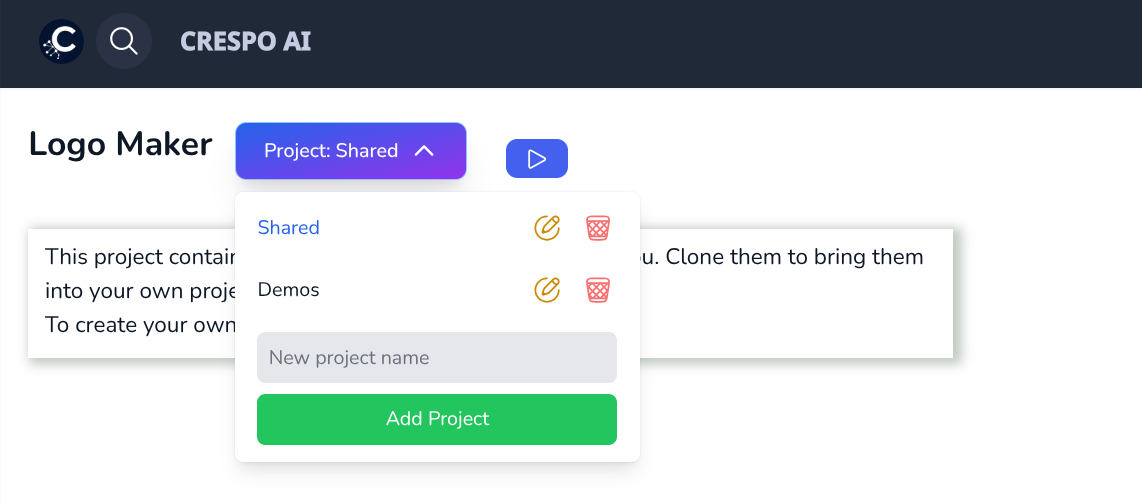
When you open the Logo Maker app in your dashboard, you’ll first choose to:
Projects help you stay organized and keep your assets connected across compatible apps like the Image Generator and Logo Maker. This is especially useful if you're designing a full brand package.
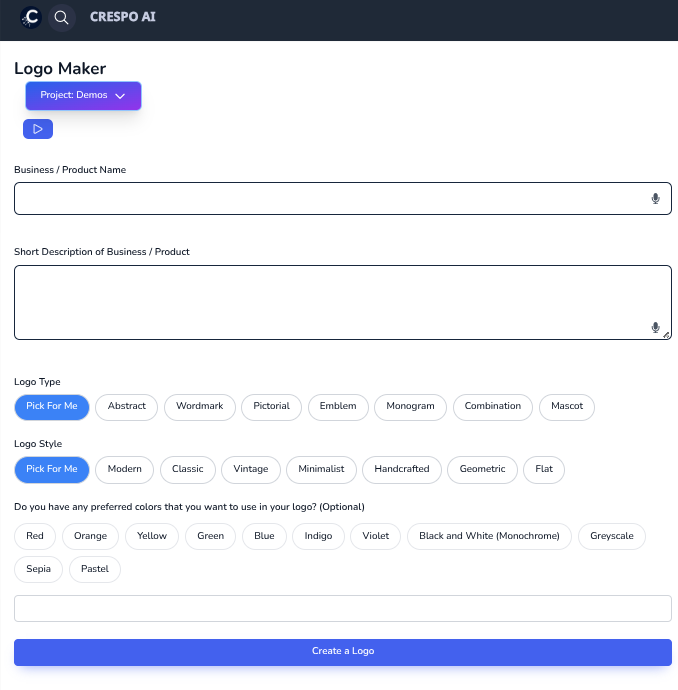
Before generating your logos, you’ll be prompted to fill in a few text fields:
Crespo AI recommends using the GIGO principle: Garbage In, Garbage Out. The more clear and specific your input, the stronger the output. Don’t just say “modern”—describe what “modern” means for your brand.
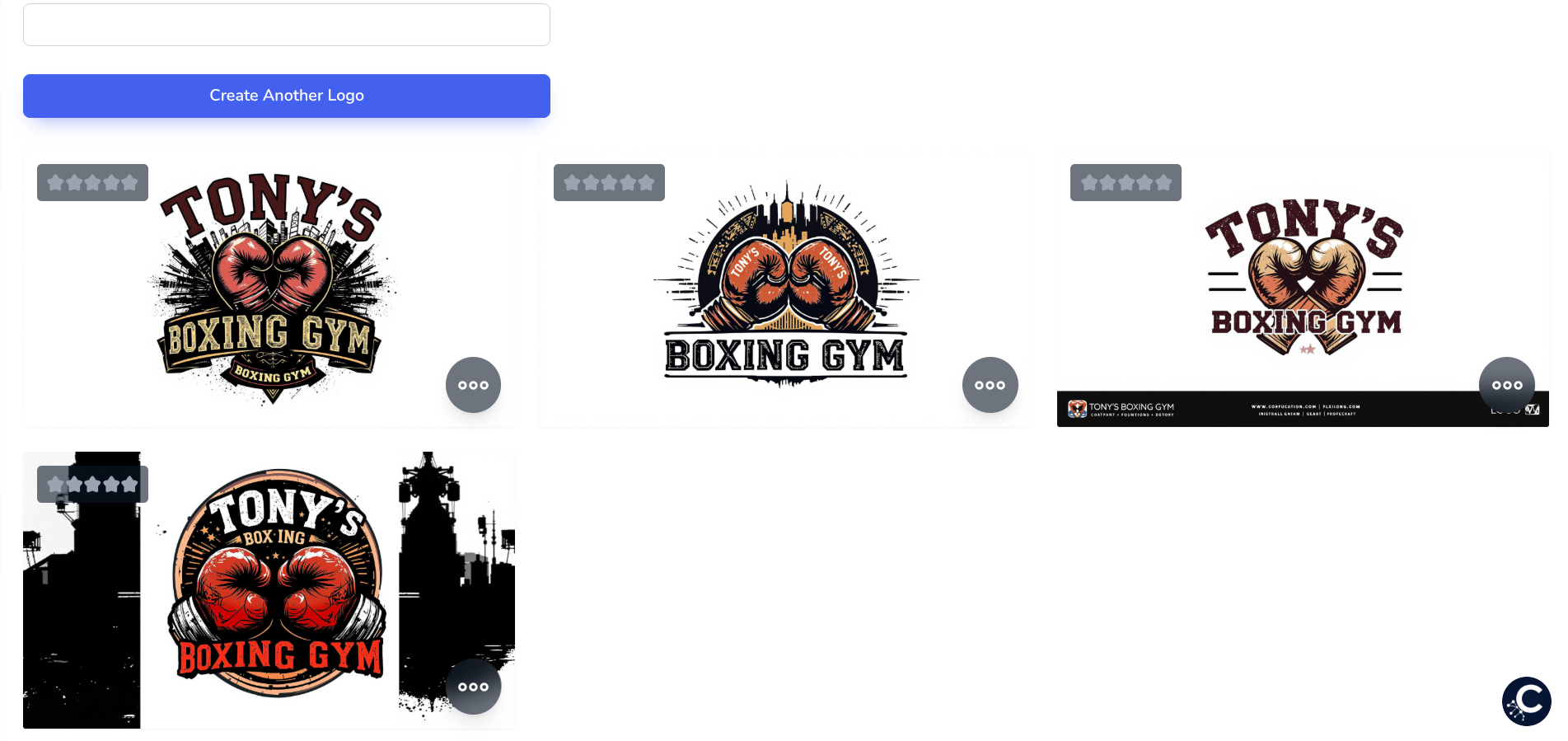
Once you enter your details, hit Generate and in seconds you'll see a full slate of AI-generated logos.
A few tips as you review:
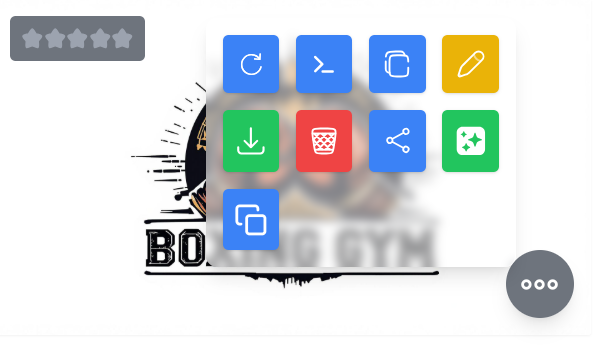
When you find a logo you like, hover over it to unlock more options:
This tool gives you complete control—whether you’re running with the first concept or iterating to perfection.
Final Tip
Your logo is often the first impression of your brand—so make it count. Let the Crespo AI Logo Maker handle the heavy lifting while you stay focused on the bigger picture.
.png)