
If you're exploring the Ask AI tool inside your Crespo AI dashboard, you’re about to tap into one of the most powerful features available to our users.
Ask AI is powered by ASI:One, a next-gen orchestration model developed by the Artificial Superintelligence Alliance. Since its launch in early 2025, the ASI framework has undergone rapid improvements, combining language, logic, and real-time execution into a single experience.
What Makes Ask AI Different?
Unlike standard large language models (LLMs), Ask AI is more than a text-based chatbot. It blends:
Think of it as a hybrid between ChatGPT and an executive assistant with access to live data and the ability to act.
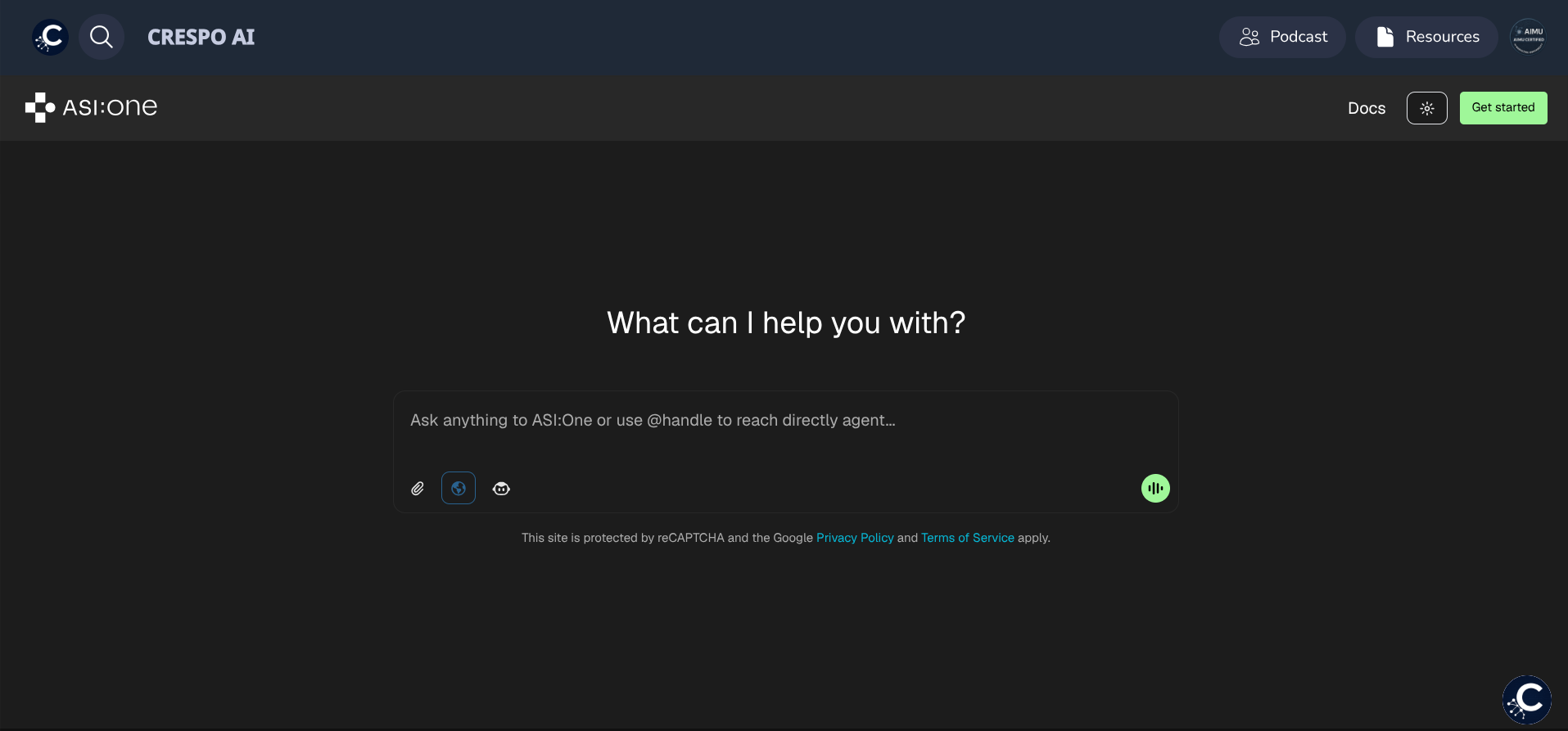
When you launch the Ask AI app, you'll see a familiar text input field. You can begin typing your prompt directly—or for stronger results, we recommend using one of our prebuilt Prompt Packs from AIMU.
Writing Better Prompts with the CREATE Framework
While Ask AI doesn’t require complex prompt chaining to perform well, using a consistent structure helps ensure your output is clear, accurate, and actionable.
We recommend the CREATE Method, a framework taught by 1000xAI — one of the earliest AI training organizations in the U.S.
C – Context: Start with background info or the scenario.
R – Role: Assign a role to the AI (e.g., "Act as a marketing strategist…").
E – Expectation: Be specific about what you want (e.g., a list, summary, outline).
A – Action: Add a verb or directive (e.g., “Write,” “Suggest,” “Compare”).
T – Tone: Mention the tone or format needed (e.g., “Conversational,” “Formal”).
E – Extras: Include any details or constraints (e.g., "Under 100 words").
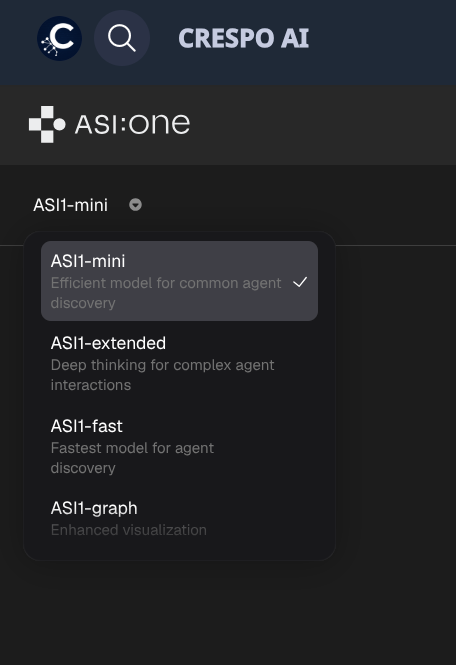
Use the dropdown in the top panel to choose from four available ASI:One model types:
Each model serves a unique function, so feel free to experiment based on your task.
Within the interface, you’ll see several optional features that enhance functionality:

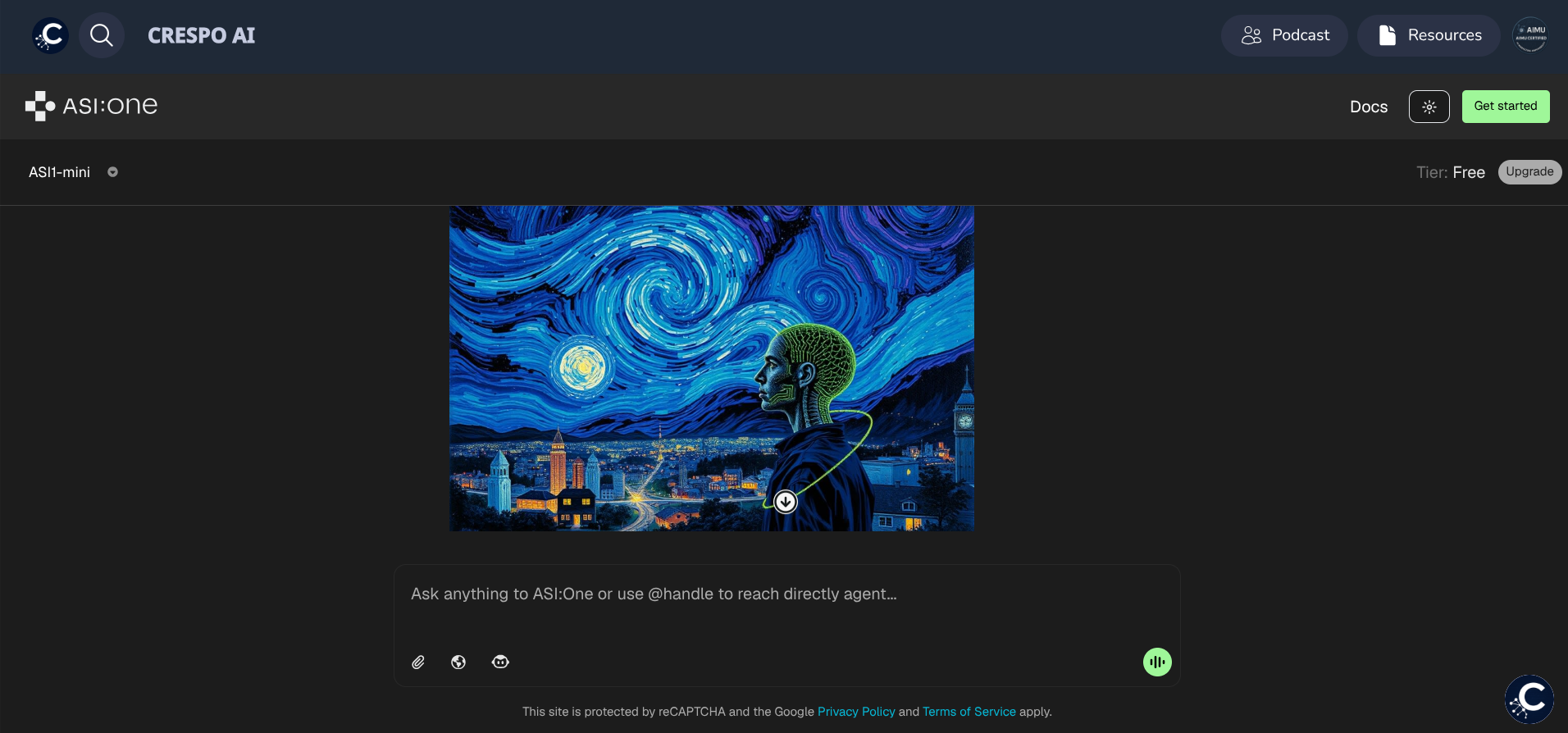
Need to generate an image? Simply ask! Ask AI can handle image generation requests and will return visuals based on the details provided.
While Ask AI is a powerful tool, it’s important to know that it’s standalone within the Crespo AI ecosystem. That means it doesn’t sync with your other apps like Funnels, CRM, or Automations.
Ask AI also operates without memory — each session is treated independently. For long-term conversation tracking or saved insights, we recommend using the Executive Coach app, which can retain information across sessions when prompted.
Ask AI is designed to remove guesswork and unlock powerful results—whether you're brainstorming, researching, or executing. For best results, pair it with AIMU’s Prompt Packs, and use the CREATE framework to get crystal-clear, optimized outputs every time.
Ready to explore? Jump into Ask AI in your Crespo AI dashboard and see what’s possible.
.png)