
The AI Videos app empowers business owners and marketers to produce high-quality, promotional video content in minutes—no editing software, studio setup, or creative team required.
While video generation leverages advanced computing (billed at 50 credits per render), the output is designed for fast-turnaround campaigns, website assets, and social media ads. It’s important to note: this tool produces slideshow-style videos, not animated scenes like VEO3. It’s built for clarity, speed, and brand consistency.
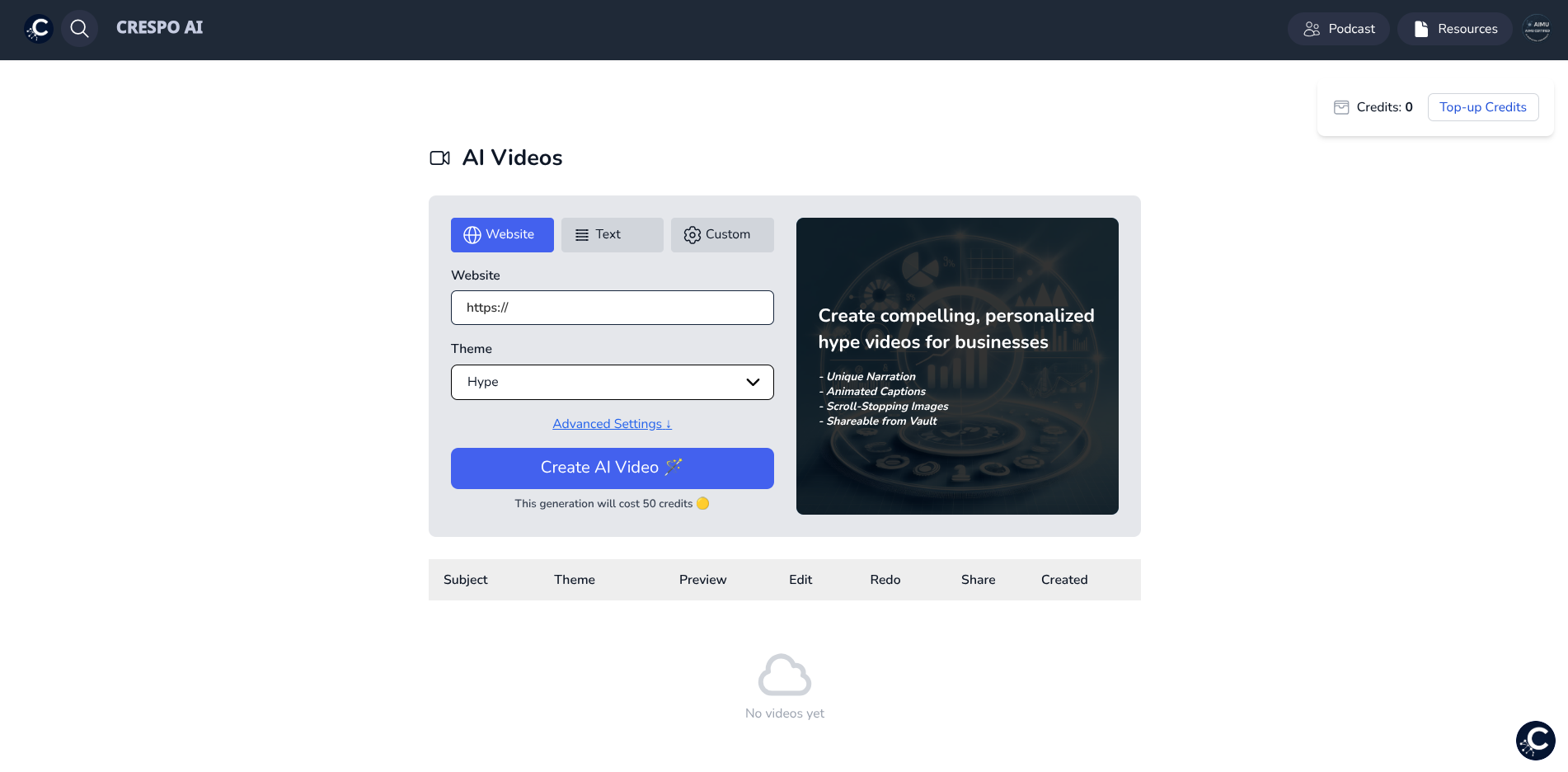
Crespo AI gives you three streamlined pathways to produce your video:
Simply input your business URL. Crespo AI intelligently scans the page, extracts content, and builds a brand-consistent video around it.
Ideal for: fast promos, homepage summaries, landing page intros.
Provide a clear business description or marketing message. The AI will handle scripting, visual selection, voiceover, and formatting.
Ideal for: startups, new campaigns, or those without a live site.
If you prefer full creative control, this option allows you to input custom scripts and pair each line with a specific image or design asset.
Ideal for: campaigns with precise messaging or creative direction.
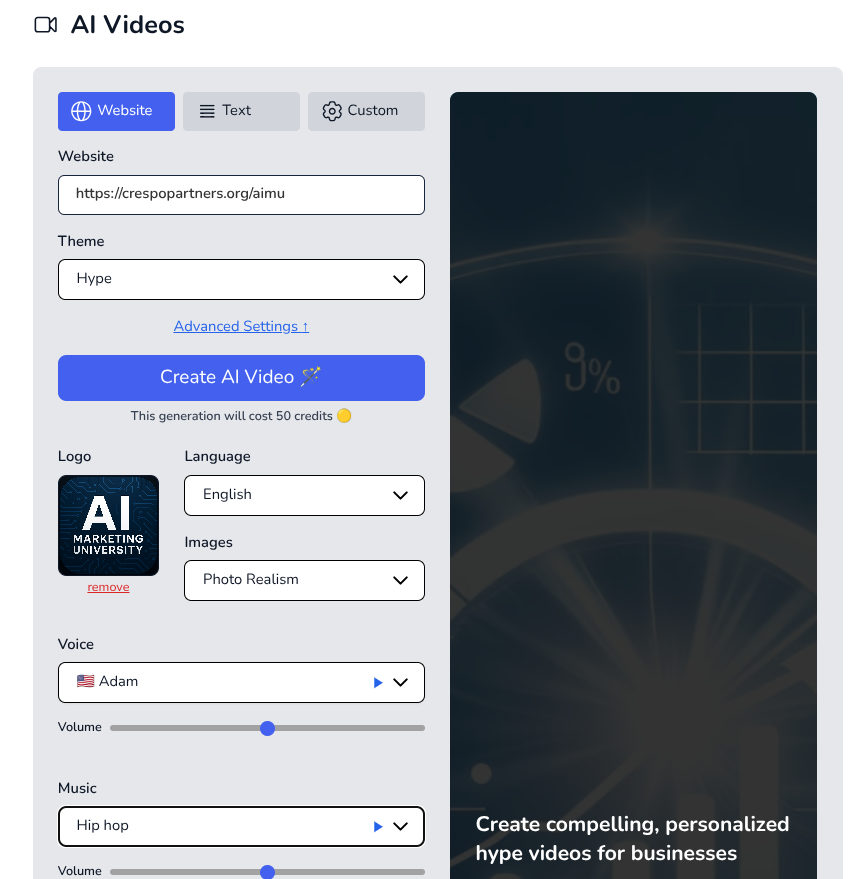
Regardless of your input method, all three workflows allow deep customization:
These settings ensure every video aligns with your brand identity and content strategy.
After finalizing your inputs and settings:

Once your video is complete, you’ll have access to several publishing options:
From there, you can upload your video to Instagram, LinkedIn, YouTube, or your website with ease.
If you're subscribed to the All-Inclusive or Creative Suite, unlock access to AI Avatars — a companion app that lets you turn images into lifelike spokesperson videos.
With full control over voice, script, and visual appearance, this feature is ideal for:
Paired together, AI Videos and AI Avatars form a powerful foundation for automated visual storytelling.
Think of AI Videos as your fast-launch engine for video marketing. It’s not meant to replace cinematic video—but it will outperform expensive agency timelines and remove creative roadblocks when speed matters most.
.png)