
The AI Modeling app inside your Crespo AI dashboard is one of the most powerful tools for creating ultra-realistic, personalized visuals using a trained model of a person or product. Whether you're building an AI influencer, generating AI headshots for LinkedIn, or showcasing products from every angle—this tool gives you the creative freedom to generate unlimited content without the cost of traditional photoshoots.
Once trained, your model can be used again and again—adapting to any scene, angle, or idea you can dream up.
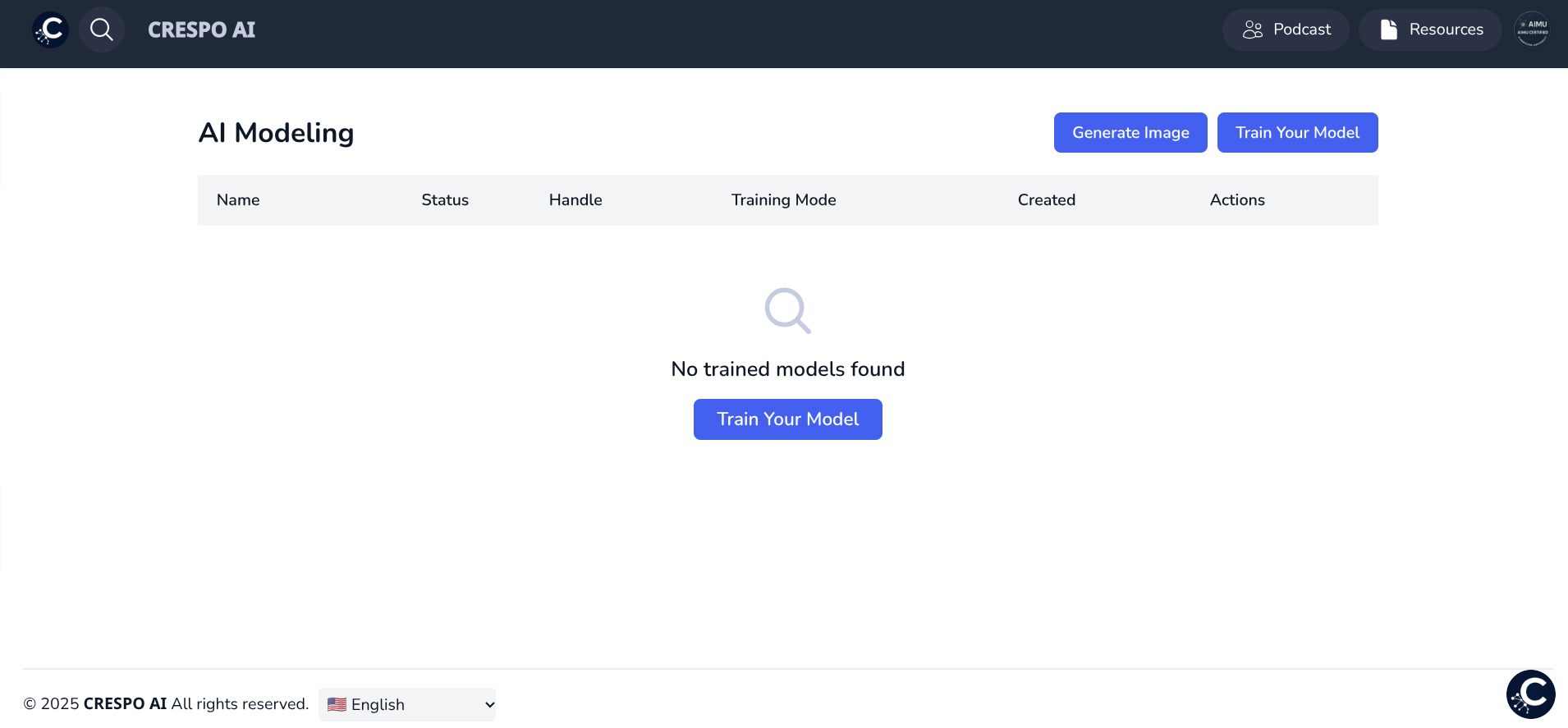
Before you can start generating images, you’ll need to train your model. There are two categories you can select from:
Training requires a one-time upload and setup process. Make sure to follow the GIGO Principle — Garbage In, Garbage Out — for best results. Quality input always equals better output.
To successfully train an AI model of a person, follow these requirements:
If you’re training an object or product, make sure to:
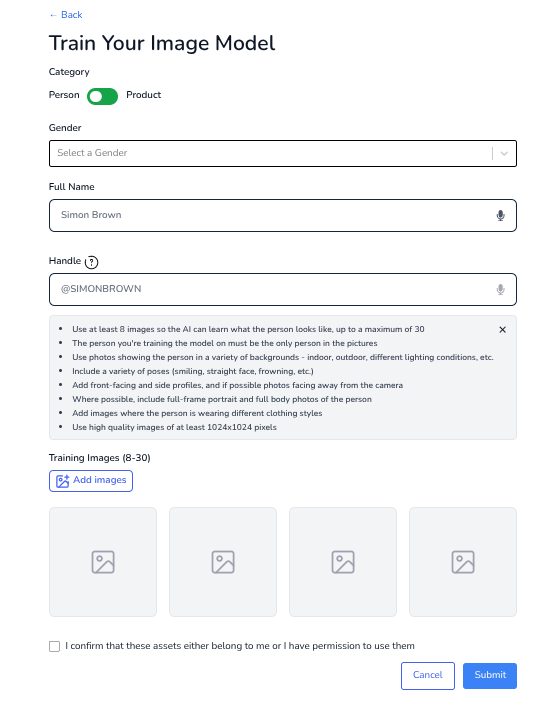
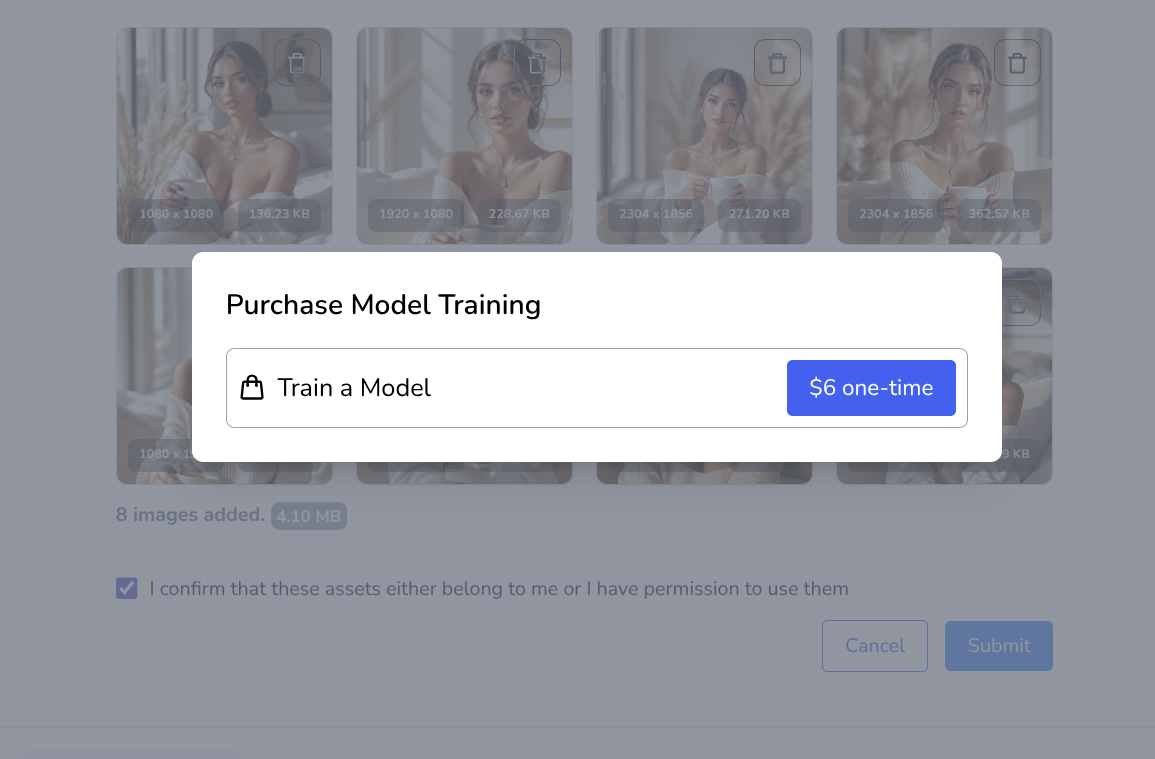
Once your images are uploaded and requirements are met:
After processing, your trained model will be available for unlimited use inside the AI Modeling app.
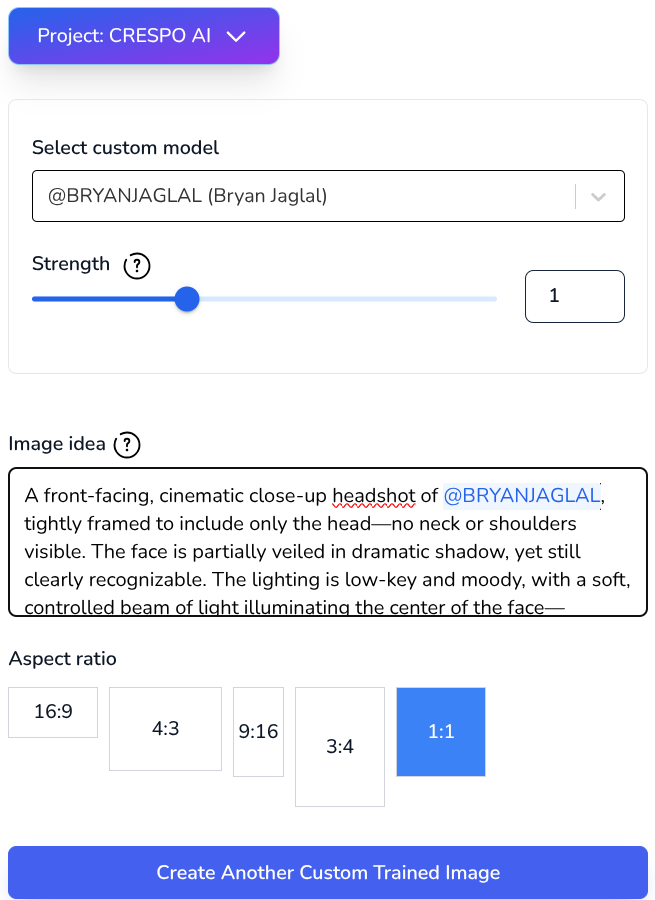
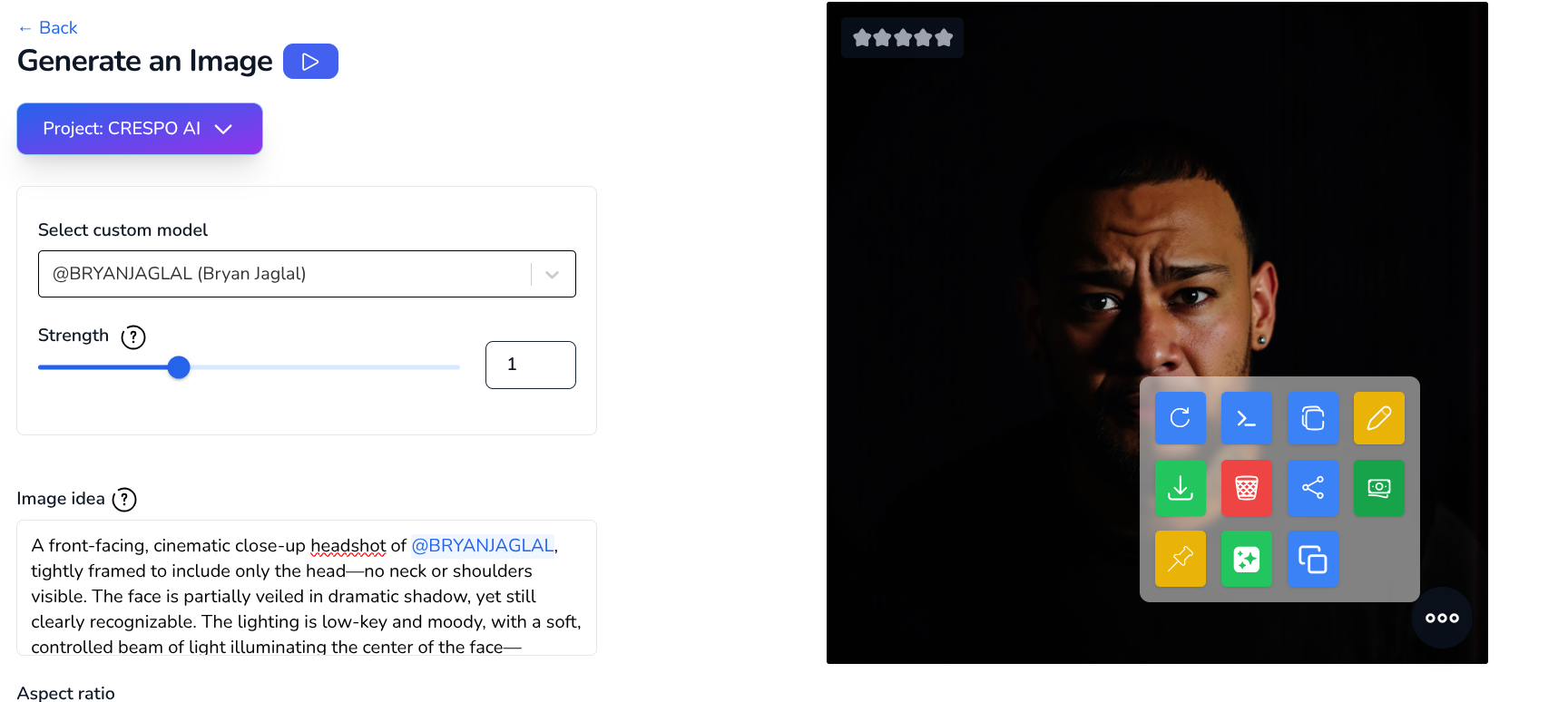
Now that your model is trained, you're ready to start generating. AI Modeling is a text-to-image tool — simply describe the image you want and tag your trained model by name.
You can also:
Once your image is generated:
The editor helps refine lighting, color grading, and formatting to fit your platform perfectly.
AI Modeling is perfect for creators, professionals, and entrepreneurs looking to stay visually fresh without expensive or repetitive photoshoots. Once your model is trained, the possibilities are endless—and the turnaround time is instant.
Pair it with the AI Image Generator, Logo Maker, and Ask AI for a complete visual content suite inside the Crespo AI dashboard.
.png)