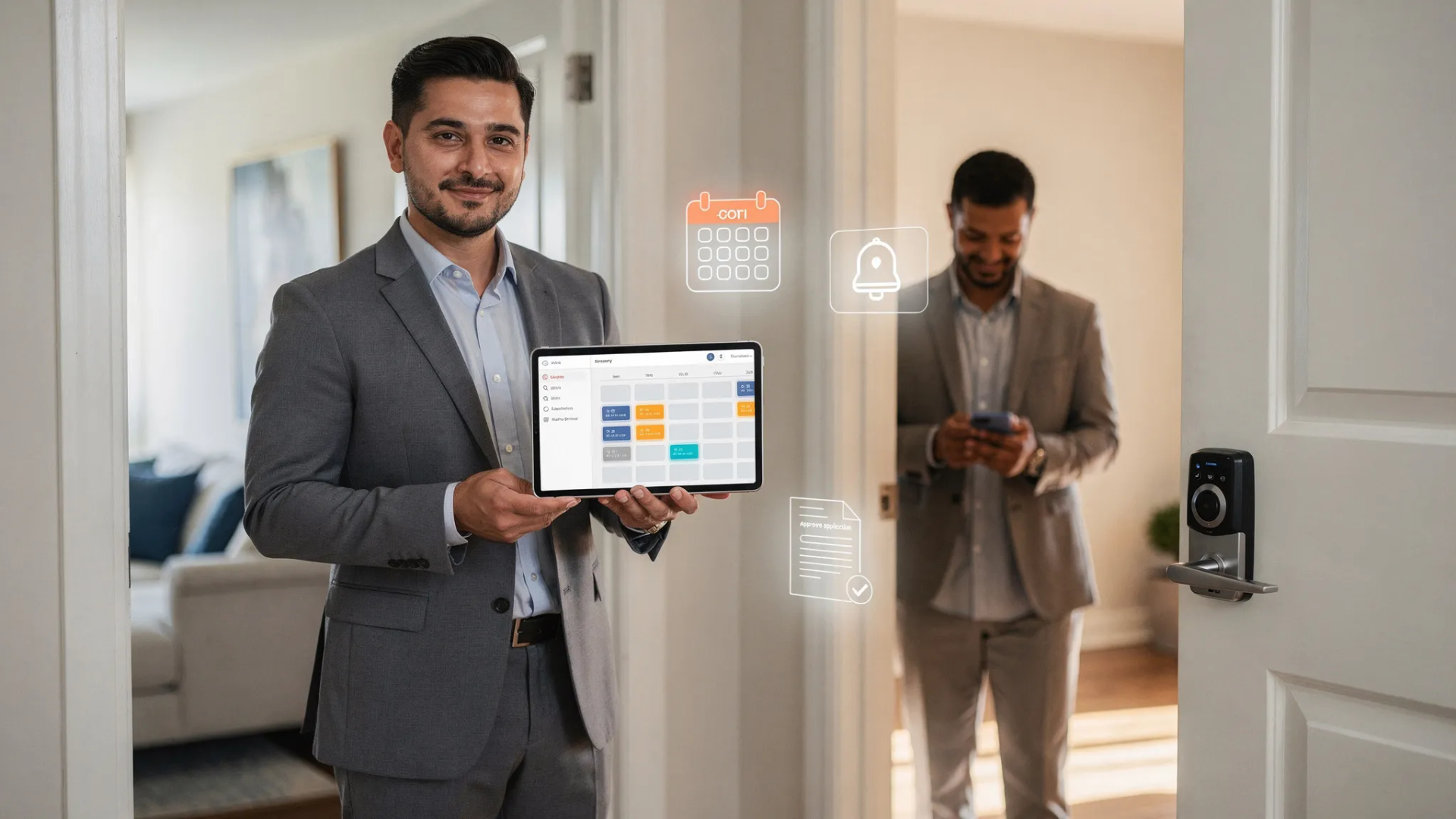
5 practical ways property managers automate tenant intake and showings (without losing the personal touch)
Property managers automate tenant intake and showings by funneling leads through online pre-screening forms, syncing inquiries to a CRM, auto-scheduling tours via a shared calendar, and using smart locks or guided video for showings. Automated reminders, application workflows, and background checks move qualified renters forward fast while keeping owners in the loop and compliance on track.
What you'll learn from this blog
- The fastest, lowest-effort automations for tenant intake and showings
- How to set up pre-screening, routing, and self-booking in days
- Tools that fit small local portfolios without breaking the budget
- Ways to protect compliance and reduce no-shows
- What to measure so your leasing pipeline keeps improving
Start with the quick wins: pre-screen, route, and respond
Summary: Capture every lead, qualify instantly, and follow up before competitors blink.
Details:
Picture this: a renter messages you at 10:42 p.m. Instead of waiting until morning, they hit a short pre-qualification quiz (income, move-in date, pets, credit range), get an instant "qualified" message, and can book a tour right then. Your CRM logs their answers, drops them into a "Pre-Qualified" stage, and fires a friendly text confirming the time. That's automation doing quiet, steady work while you sleep.
How to do it today:
- Add a short pre-screen form to each listing and website (ask only what you truly need).
- Route leads from Zillow, Apartments.com, Facebook, and your website into one CRM or pipeline.
- Send instant, branded auto-replies with next steps and a self-booking link.
Long-tail questions this answers:
- How do property managers automate tenant screening at the top of the funnel?
- What's the best way to pre-qualify renters without scaring them off?
Let your calendar do the heavy lifting
Summary: Self-booking reduces friction, no-shows, and back-and-forth emails.
Details:
Think of your calendar like a smart gatekeeper. It shows live availability, buffers time between tours, and limits bookings outside daylight hours. Text and email reminders go out automatically. If your phone buzzes, it's because someone confirmed—not because you're chasing them.
A quick, practical setup:
1. Connect a scheduling tool to your work calendar.
2. Create a "15-minute virtual" and a "20-minute in-person" tour type.
3. Set buffers (10–15 minutes) and daily limits (e.g., max 6 tours).
4. Require pre-screen completion before booking.
5. Turn on auto-reminders: 48 hours, 3 hours, and 30 minutes before.
6. Offer a reschedule link in every message.
7. Tag booked leads in your CRM so you know what's coming.
Pro tip: If you manage multiple units, use round-robin scheduling or assign by zip code to balance workload across your team.
Show the unit without standing at the door
Summary: Self-guided tours and rich video do the heavy lifting; you step in when it truly counts.
Details:
Self-showings with smart locks or one-time codes can be a game changer—especially for working renters who can't make daytime slots. Pair that with a crystal-clear walkthrough video and a 3D-style tour, and you may cut down on casual in-person looky-loos while still giving serious prospects the detail they crave.
Safety and fraud prevention basics:
- Verify ID before issuing codes (driver's license + selfie match).
- Limit code windows and duration; log entries automatically.
- Use signage inside the unit: “You're on camera; please lock when leaving.”
- If your market doesn't support self-showings, offer live video tours after ID verification.
Answers you might be searching for:
- Are self-guided showings safe for small landlords? Yes—with ID verification, code limits, and good logs.
- Can I do video tours professionally on a budget? Yes—natural light, tripod, slow pans, and a short voiceover.
Keep compliance, communication, and care front and center
Summary: Automation should protect you and serve renters, not feel robotic.
Details:
Every automated message is a tiny brand moment. Use clear, kind language. Keep fair-housing guardrails baked in with standardized criteria and consistent workflows. And always provide an easy way to reach a human.
Helpful templates to standardize:
- Qualification criteria page and auto-link in replies
- Viewing instructions, parking notes, and neighborhood tips
- Application next steps with secure document upload
- Denial and waitlist notifications that are compliant and respectful
Remember: Automation is the system. Hospitality is the experience. You can have both.
Measure what matters so you can do more with less
Summary: Track a few numbers and you'll see where to tune the engine.
Details:
When owners ask, "Is automation worth it?" show them the numbers:
- Lead-to-tour rate: Did pre-screening reduce dead ends?
- Tour show-up rate: Are reminders working?
- Application conversion rate: Is the listing clear and competitively priced?
- Time-to-lease: Days from first inquiry to signed lease
- Cost per lease: Ads + tools + time, divided by new leases
Small, steady optimizations:
- A/B test your first auto-reply subject line.
- Shorten your pre-screen by one question and see if completion improves.
- Add three new evening slots weekly and compare show-up rates.
- Tighten your photos: lead photo, kitchen, living area, best bedroom, bathroom, outdoor—quality beats quantity.
Tools that fit small local portfolios
- Lead capture and CRM: AppFolio, Buildium, Rent Manager, HubSpot (lite) with property templates
- Scheduling: Calendly, Acuity, Tenant Turner (leasing-focused)
- Smart access: CodeBox, Rently, August, or enterprise smart locks if you scale
- Screening: TransUnion SmartMove, RentPrep (stay consistent with your published criteria)
- Automation glue: Zapier or Make to connect listings, forms, and your CRM
A quick scenario
As an example, picture a manager with a couple dozen doors across two neighborhoods. They add a pre-screen to every listing and route leads into a single CRM. Prospects self-book evening tours. Renters who have passed ID verification get one-time entry codes; everyone else is offered a virtual tour slot. Automated reminders go out before each tour. Over time, the leasing process gets faster and less manual — not because more hours were worked, but because the routine steps run themselves.
Conclusion and next step
You don't need a giant budget to automate tenant intake and showings. Start with pre-screening, self-booking, and clean tour options; then layer in smart access, consistent templates, and a simple dashboard of KPIs. If you want a shortcut, we'll map it with you. Call (562) 564-6630 for a free AI Opportunity Audit, and let's build a leasing workflow that hums.